Stand at a higher vantage point.See more trading opportunities.
From XAUUSD gold to crypto markets,Connect cloud AI strategies to MT4/MT5 EAs with NavaX FX, and explore multi-exchange trading and backtesting with NavaX Crypto.
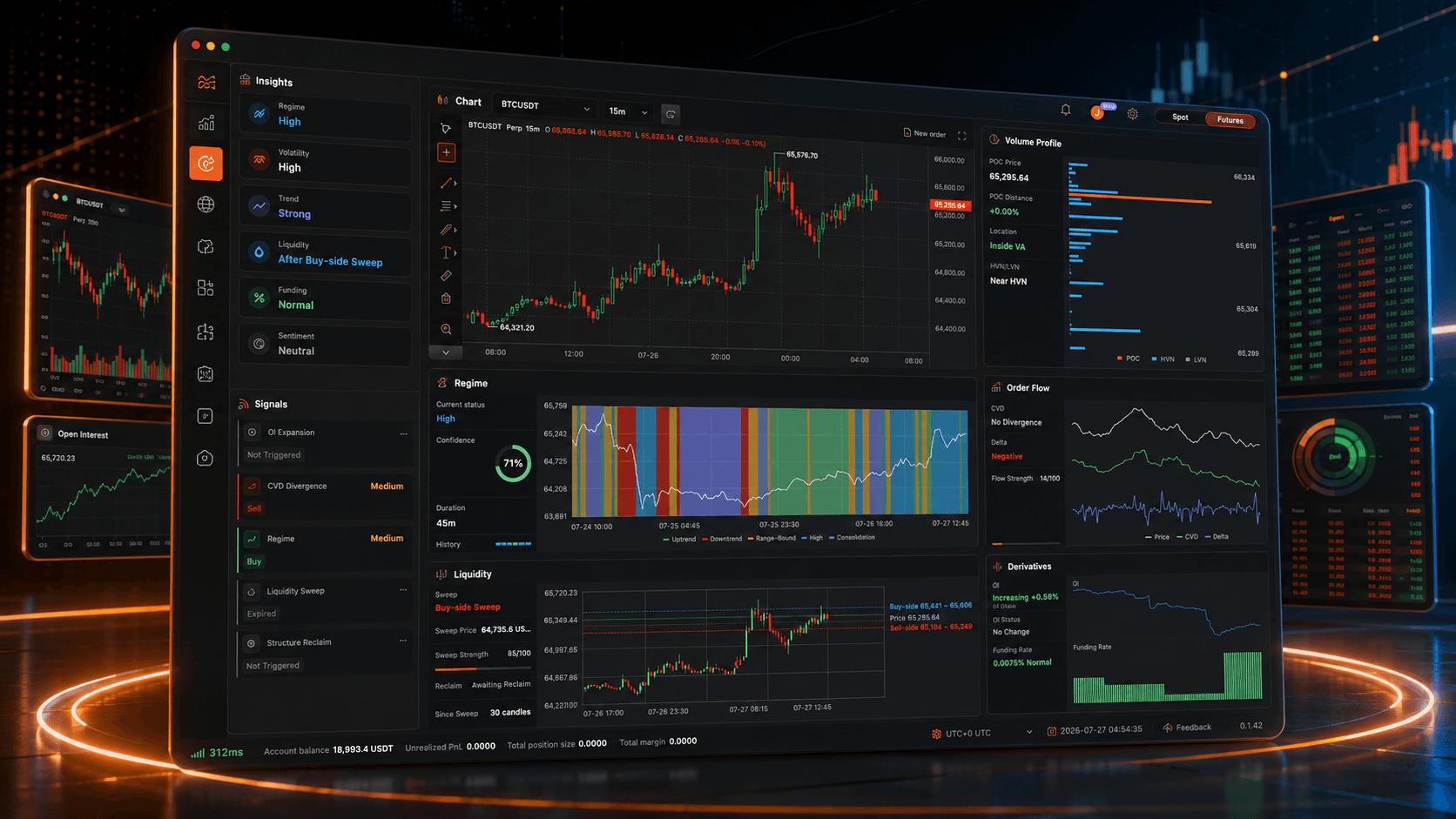
Connect leading exchanges, follow live prices, inspect market structure, and move from analysis to execution without breaking context.
Binance
Bybit
OKX
Bitget
HTX
Multi-exchange quotes
Professional charts
Deep market data
Efficient execution
Adjust orders on the chart
Drag position, limit-order, take-profit, and stop-loss lines directly on the chart instead of reopening forms for every adjustment.
Multi-window, multi-screen
Open separate chart and depth windows for different trading pairs, then distribute those pairs across multiple monitors without losing their individual context.
One market, multiple timeframes
Open 1m, 15m, 1h, and other intervals for the same pair at once, with shared position, order, and TP/SL lines.
Strategy automation
Blueprint strategies that assemble like building blocks
Connect market reads, indicator logic, risk conditions, order actions, and chart annotations into a runnable trading flow.
The bars illustrate network-path composition, not a measured speed ratio. Actual latency varies by device, region, connection, exchange API, and whether the exchange supports a trading WebSocket; NavaX falls back to REST when required.
NavaX FX
Cloud intelligence · Gold trading
Gold trading. From insight to action.
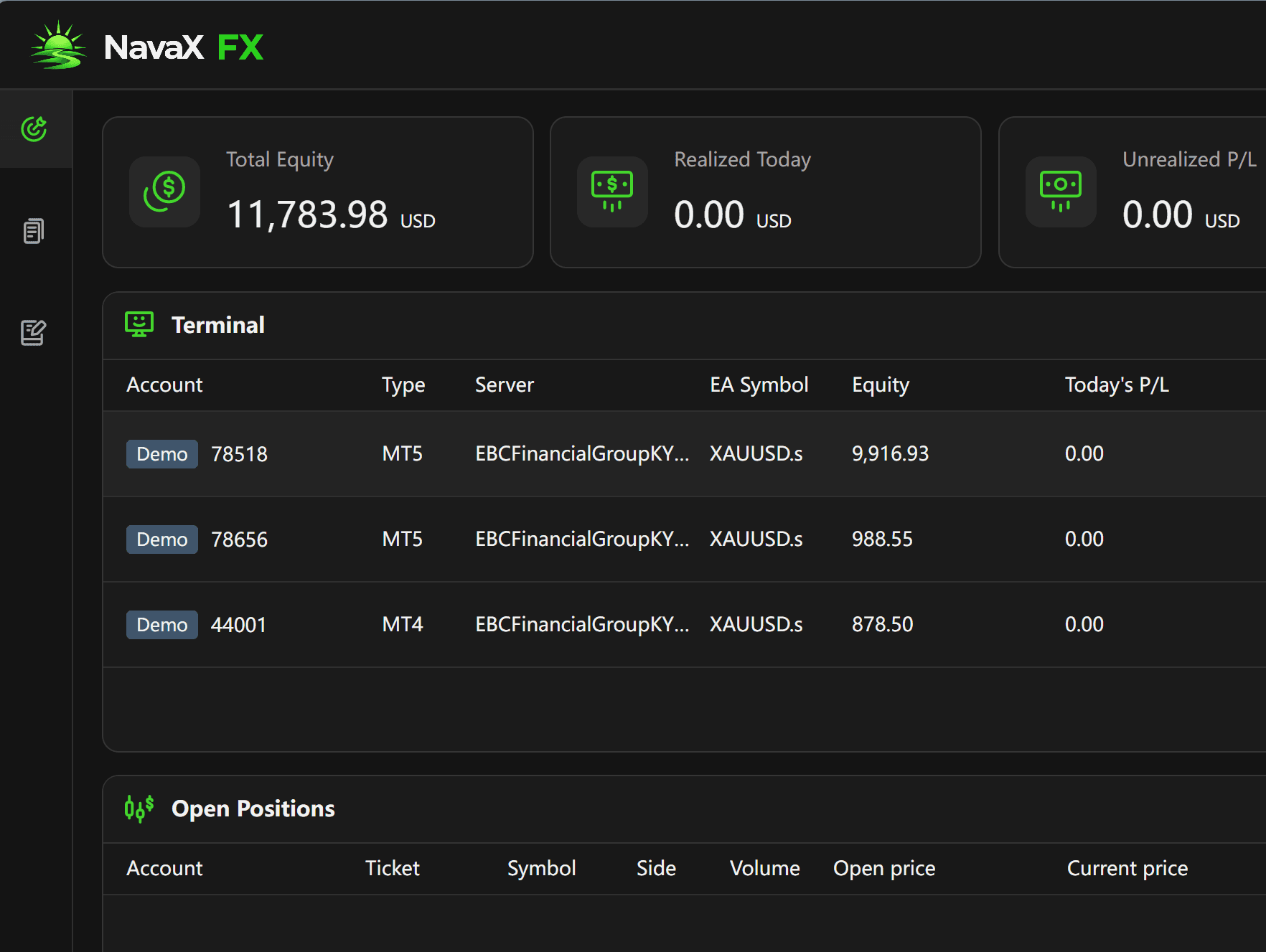
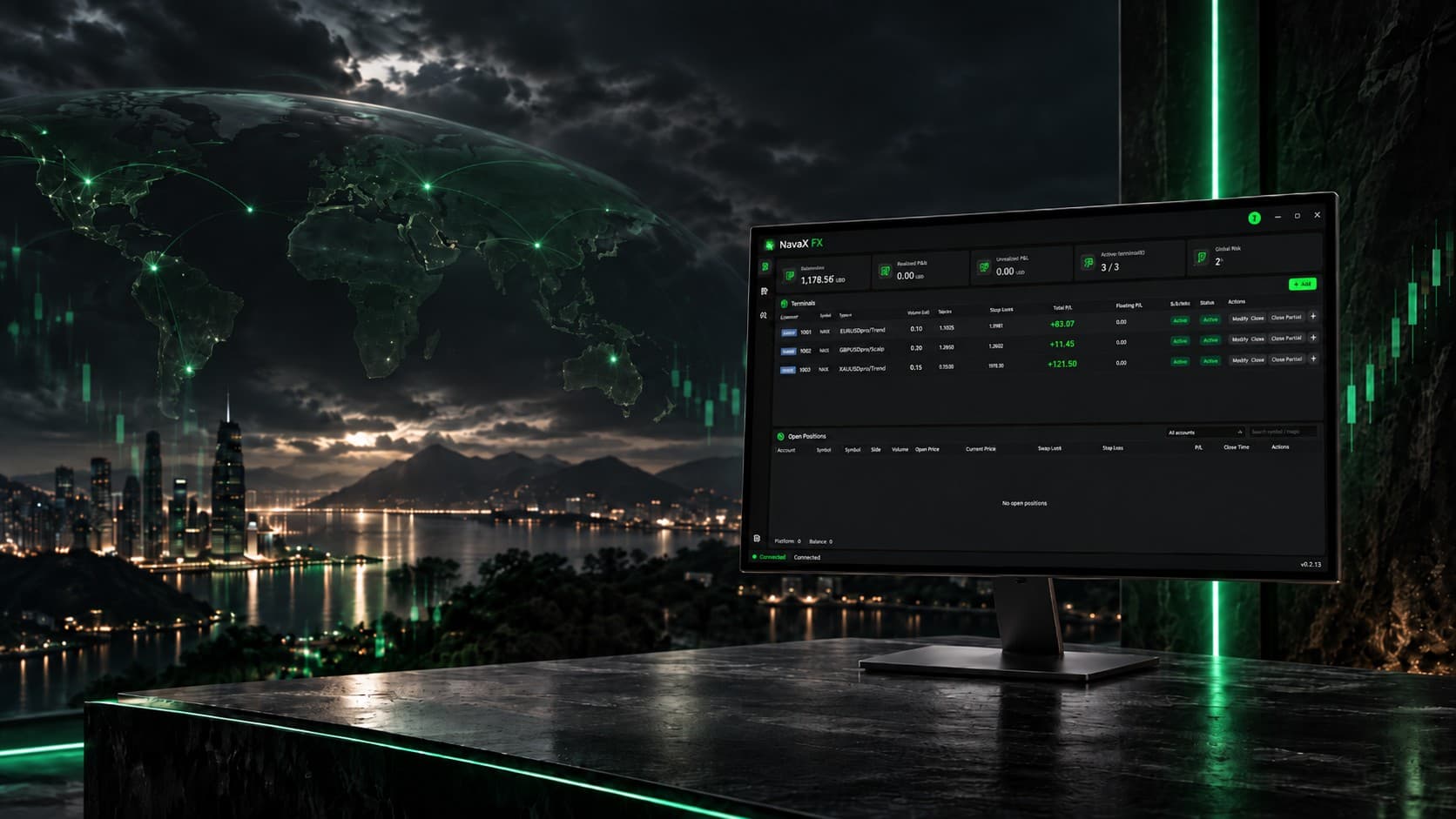
Connect cloud AI analysis to your trading terminal. NavaX FX brings gold-market strategy instructions, automated execution, and take-profit and stop-loss rules into one clear workflow.
Connect to NavaX FX trading services through the desktop client or an MT4 / MT5 EA.
Gold market input, cloud intelligence, trading instructions, and your terminal each play a defined role. Explore how NavaX FX connects them, with risk rules alongside execution.
NAVAX CLOUDXAUUSD
01
Gold marketMarket input
02
Cloud AIAnalyze · Model
03
InstructionsOpen · Close
04
Your terminalMT4 / MT5
Risk discipline at every stepAI → EA
XAUUSD / Risk discipline
Pursue opportunity. Define the exit.
A trading opportunity is only part of the decision. Take-profit and stop-loss rules give each strategy a defined exit framework, helping reduce emotional decisions and keep risk management part of execution—not an afterthought.
Take-profit rules for planned exits
Stop-loss rules for risk discipline
Cloud opening and closing instructions
Account and execution visibility
AI analysis does not guarantee accurate forecasts or profitable trades. Stop-loss execution can be affected by slippage, price gaps, and connectivity.
Strategy exit frameworkXAUUSD
Trade executionMonitoring
Monitoring
Take profit
Take-profit rules
Exit according to take-profit conditions when a strategy target is reached.
Monitoring
Stop loss
Stop-loss rules
Exit according to stop-loss conditions when a risk threshold is reached.
Defined exit conditions. Disciplined execution.
Experience the workflow with a demo account.
Run demo accounts for free. Explore the cloud connection and terminal execution before considering live trading.



 Binance
 Bybit
Bybit OKX
OKX Bitget
 HTX
HTX