
Extension modes
2
The current model separates blueprint and script modes, with blueprints first.

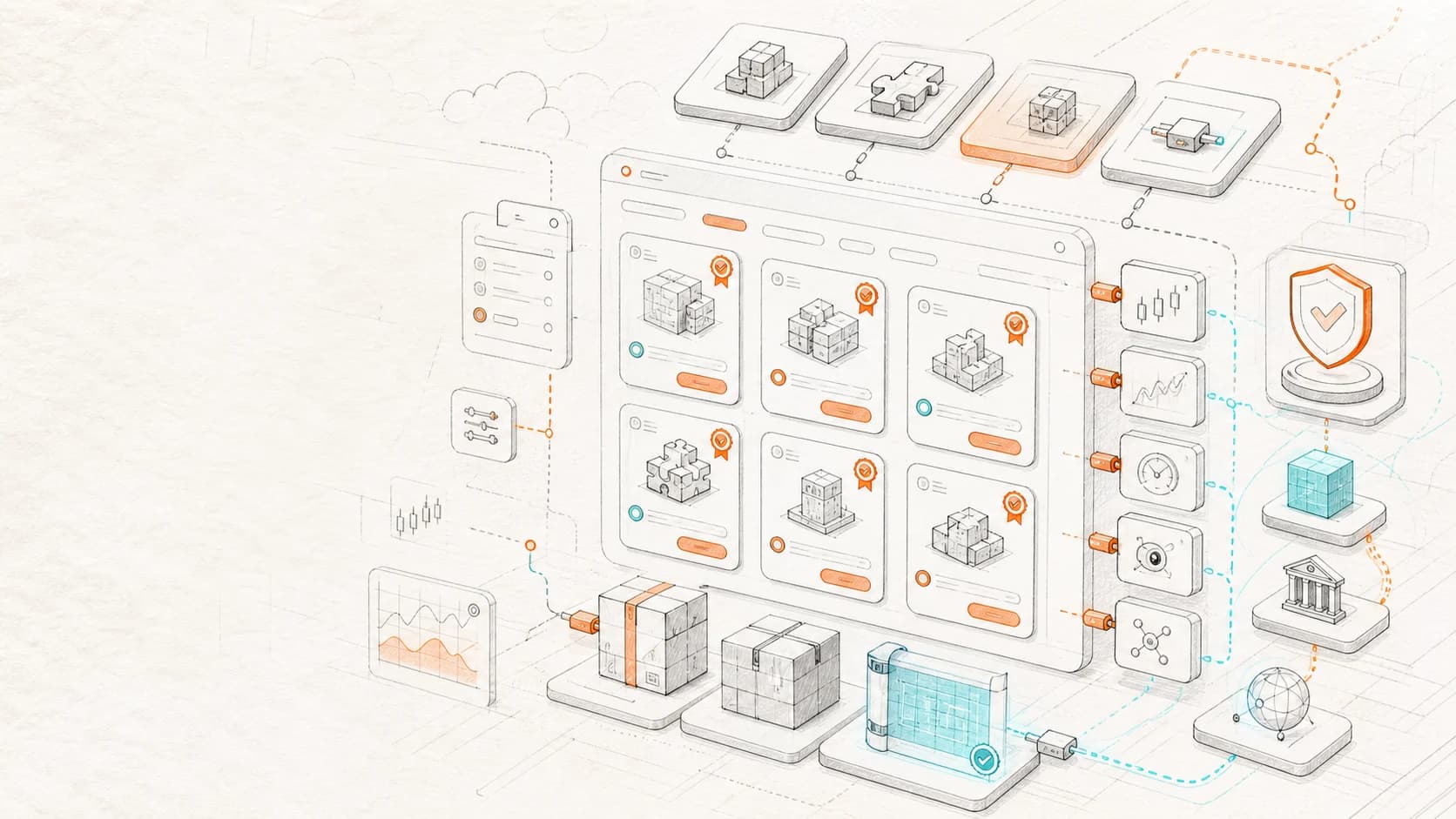
Explore NavaX blueprint extensions, installation, updates and version management. Find authors, categories, ratings and reusable tools for crypto trading workflows.
Extension modes
2
The current model separates blueprint and script modes, with blueprints first.
Market scopes
3
all, spot, and futures scopes can filter extension availability.
User actions
4
Install, download, rate, and comment form the client loop.
Package format
1
Version upload is centered on the NavaX .fsvb blueprint package.
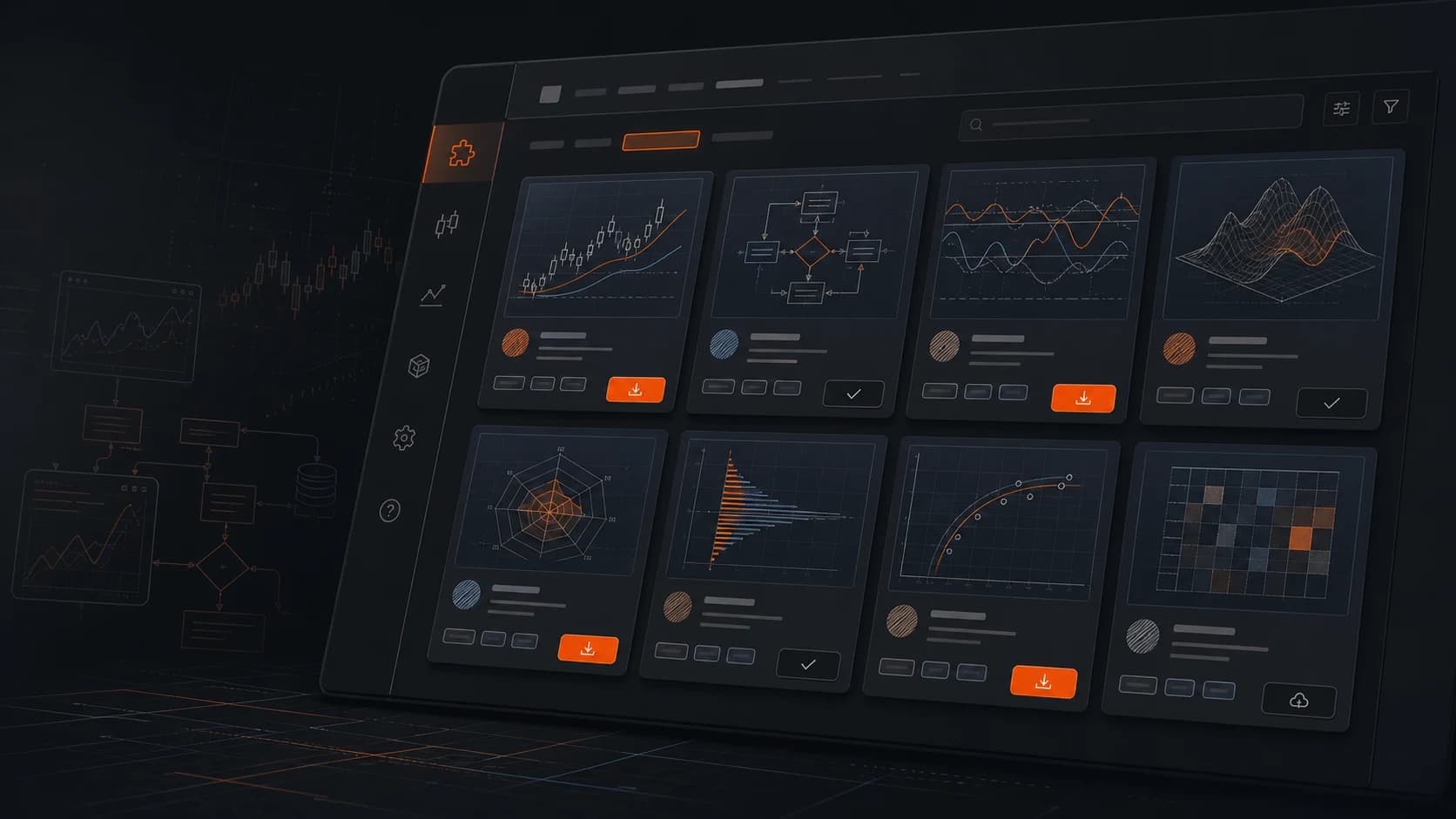

The extend modules in the software already split author certification, categories, listings, version packages, ratings/comments, and user installs. The site should explain how that layer serves the desktop trading client instead of showing generic extension cards.
Version upload reads manifest, blueprint.preview, and runtime bundle data from .fsvb files for protected display and execution.
Admin keeps author identity, website, certification, categories, keyword filters, and publishing status in separate controls.
Extensions can target all markets, spot, or futures so the client can filter assets by trading context.
Ratings, comments, replies, and visibility status have their own API paths for quality review and operations.
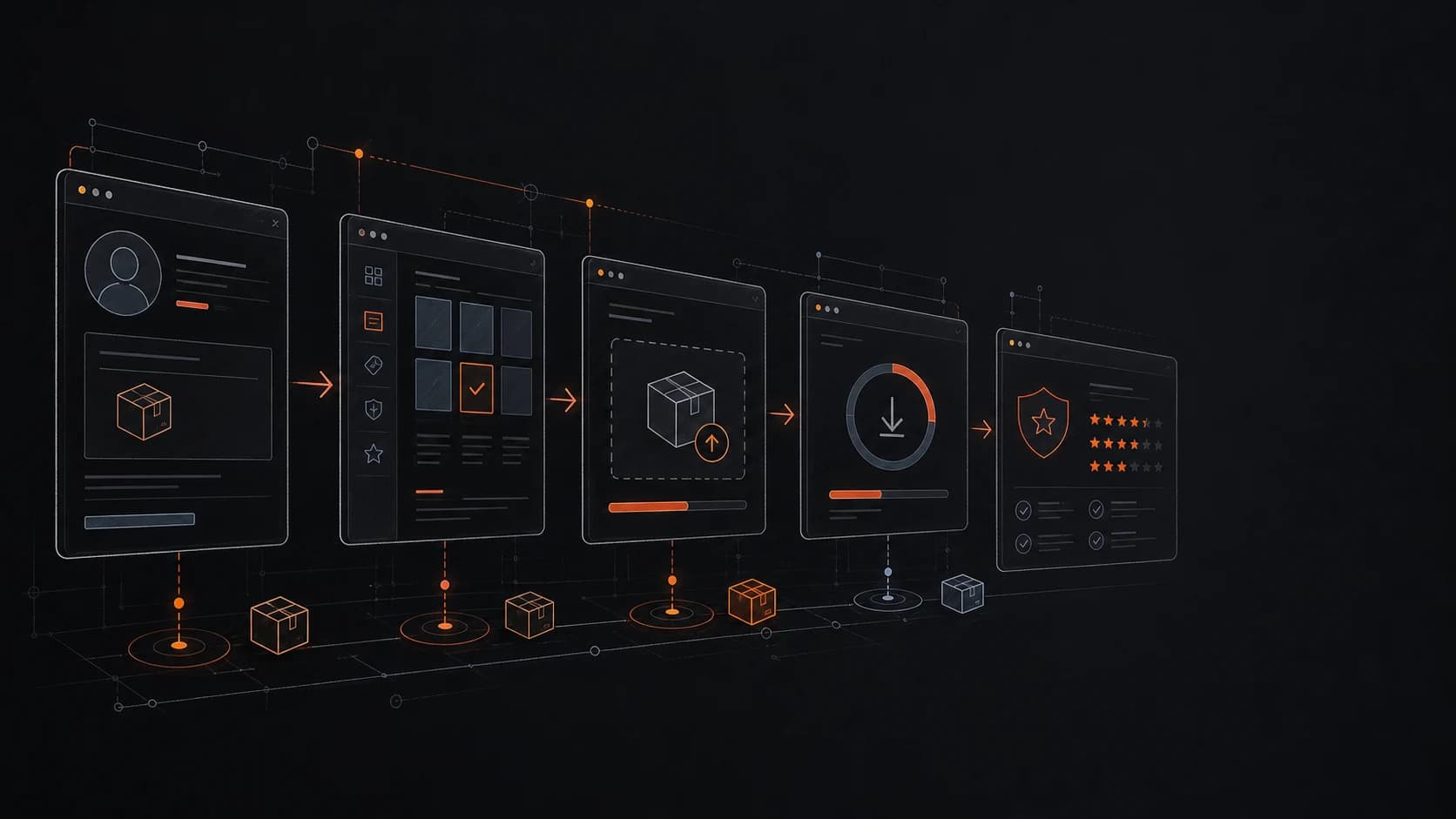
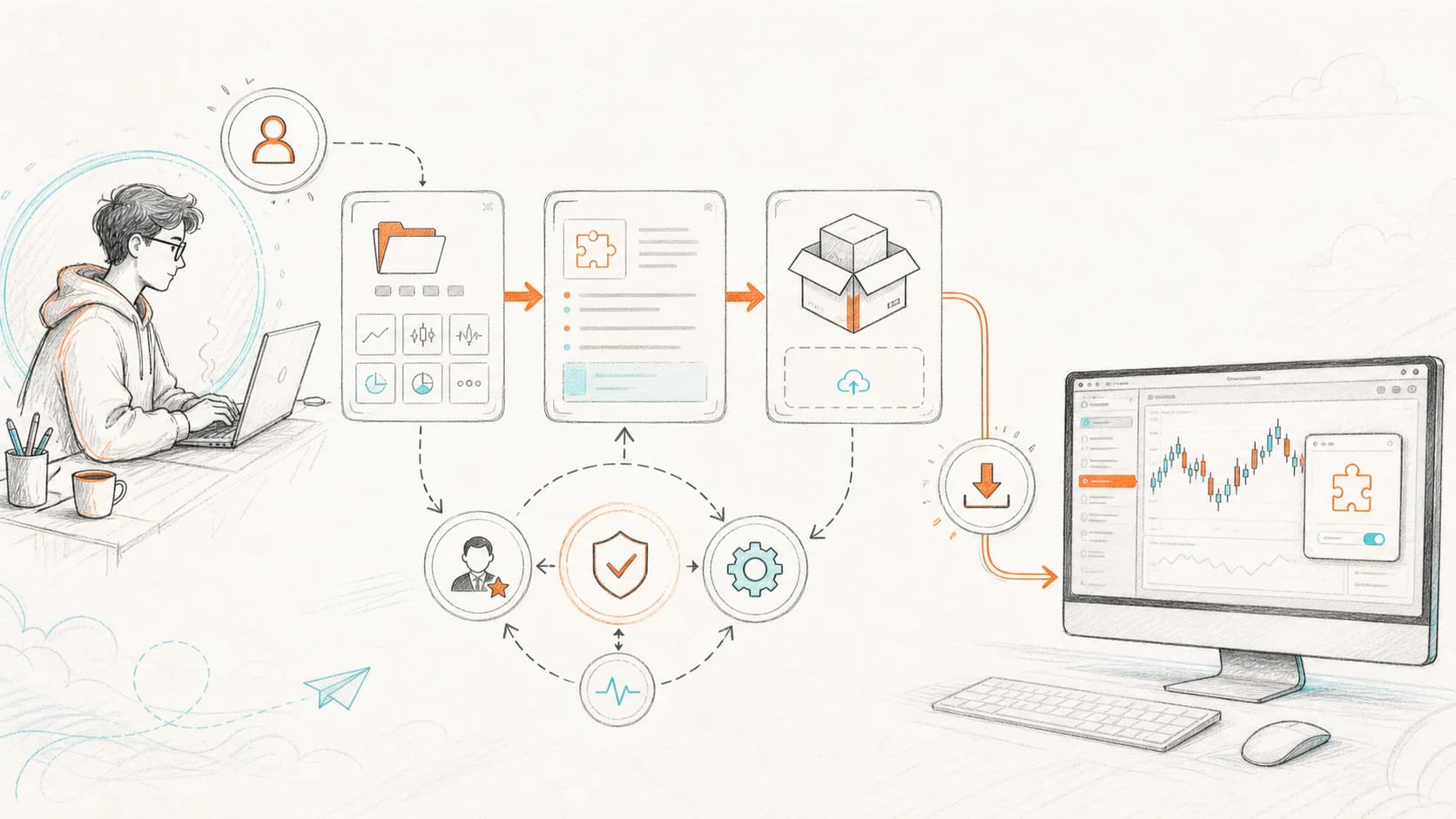
Admin handles review, classification, and versions; the client API handles public listings, details, downloads, and user install records; the desktop client imports, previews, and runs blueprint packages.
Maintain author identity, certification, and categories so extension source and purpose stay traceable.
Submit title, description, thumbnail, mode, market scope, score baseline, and publishing state.
Use .fsvb files, then read the version, package size, and download URL after upload.
Users install the extension, then download the latest enabled version while download counts update.
Ratings, comments, replies, and hidden states move through admin review to protect quality.
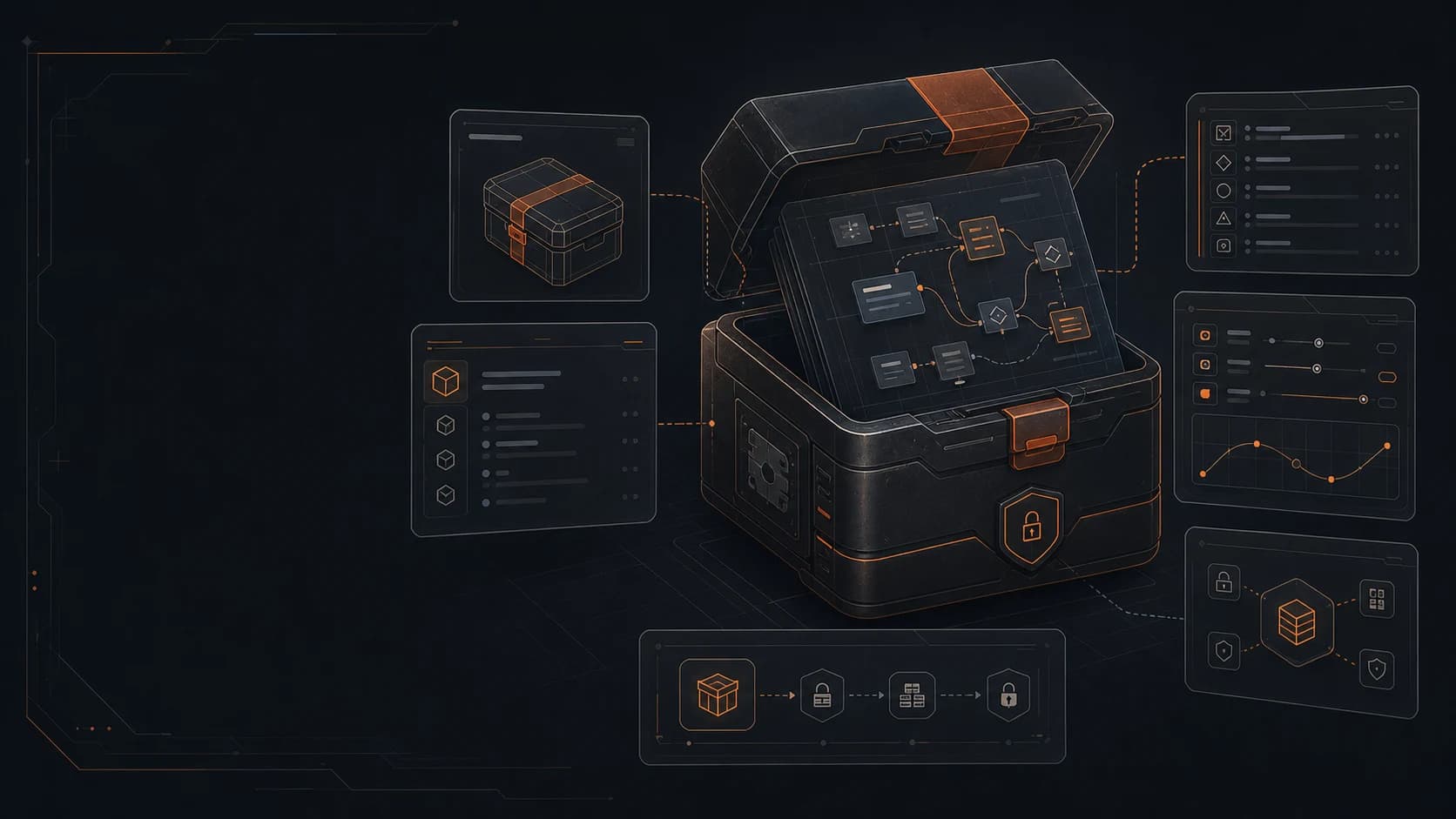

.fsvb containers can include manifest, blueprint, blueprint.preview, and runtime.bundle files. Protected exports show preview and parameters while runtime bundles carry execution.
Stores author, description, market scope, runtime mode, parameter schema, visibility, and signature information.
Keeps name, description, parameters, and protected messaging visible even when source is unavailable.
Separates the executable result from the source node graph for a steadier desktop delivery artifact.
Blueprint packages are the strongest current path; script mode, protected runtime bundles, and admin governance form the base for the broader extension layer.
Blueprint package
Distribute reusable strategies, parameter schemas, preview data, and runtime bundles as blueprint extensions for desktop install and download.
Script extension
The extension model already reserves script mode for later lightweight tools, strategy helpers, or scripted execution components.
IP protection
Blueprints can export preview documents and runtime bundles so runnable assets are delivered without exposing the full node graph.
Operations
Authors, categories, versions, publishing, comments, and ratings have separate admin entry points, so the extension ecosystem can be reviewed, ranked, and removed.
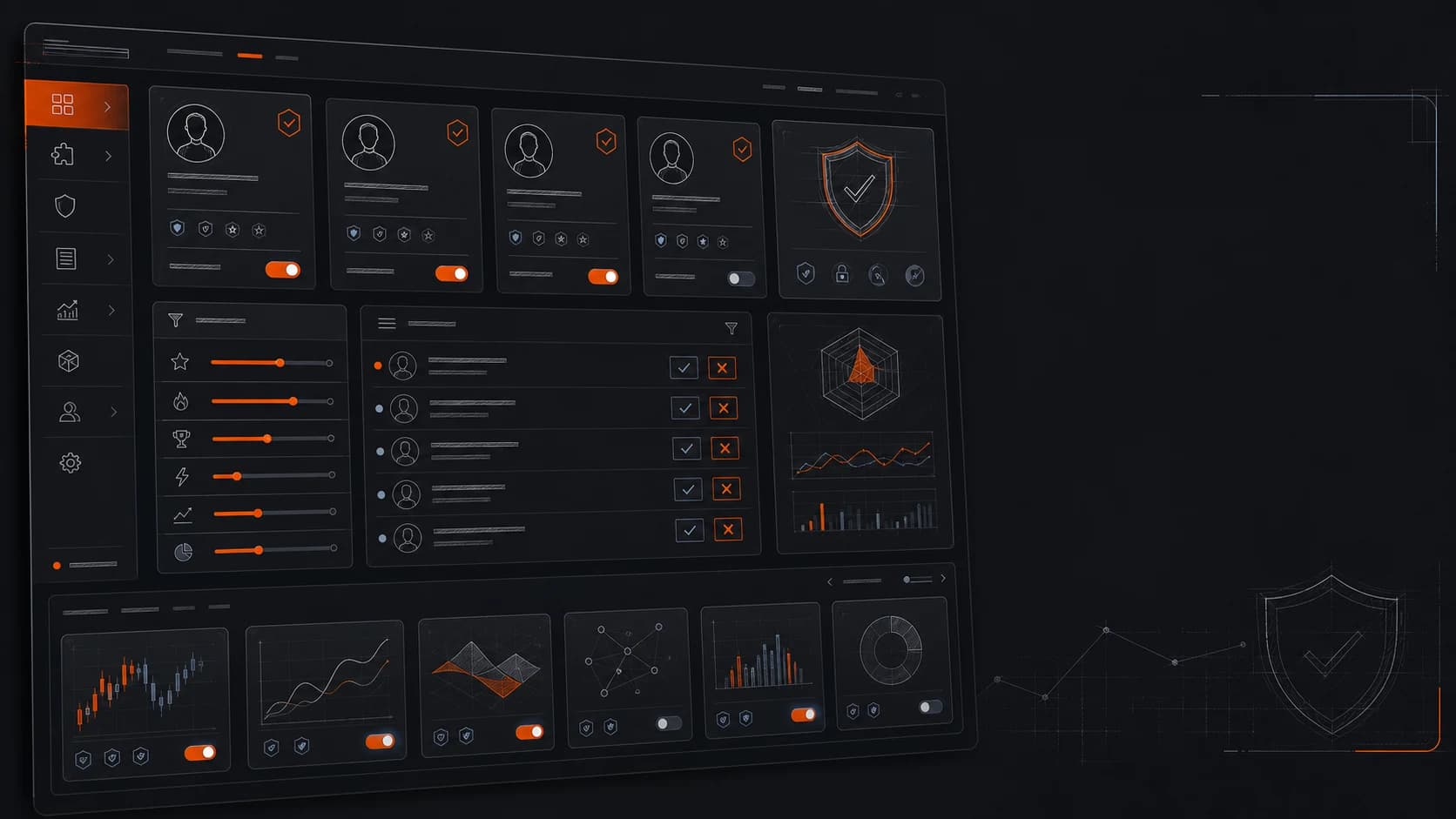

The extension layer connects author identity, version rollout, feedback quality, and category discovery into one operating flow. A blueprint package is not just downloaded; its source can be trusted, its version controlled, its feedback curated, and its desktop delivery kept current.
UID, name, website, and certification status help users judge source and accountability before installing a strategy.
Each extension can maintain multiple versions, while enabled state controls the build delivered to the client for rollout, rollback, or suspension.
Comments, replies, hidden states, and deletion move through admin review so useful feedback is preserved and noise is reduced.
Categories, sorting, release time, downloads, and market scope shape exposure so the right strategies are easier to find.