NavaX Crypto

More markets.
Sharper focus.

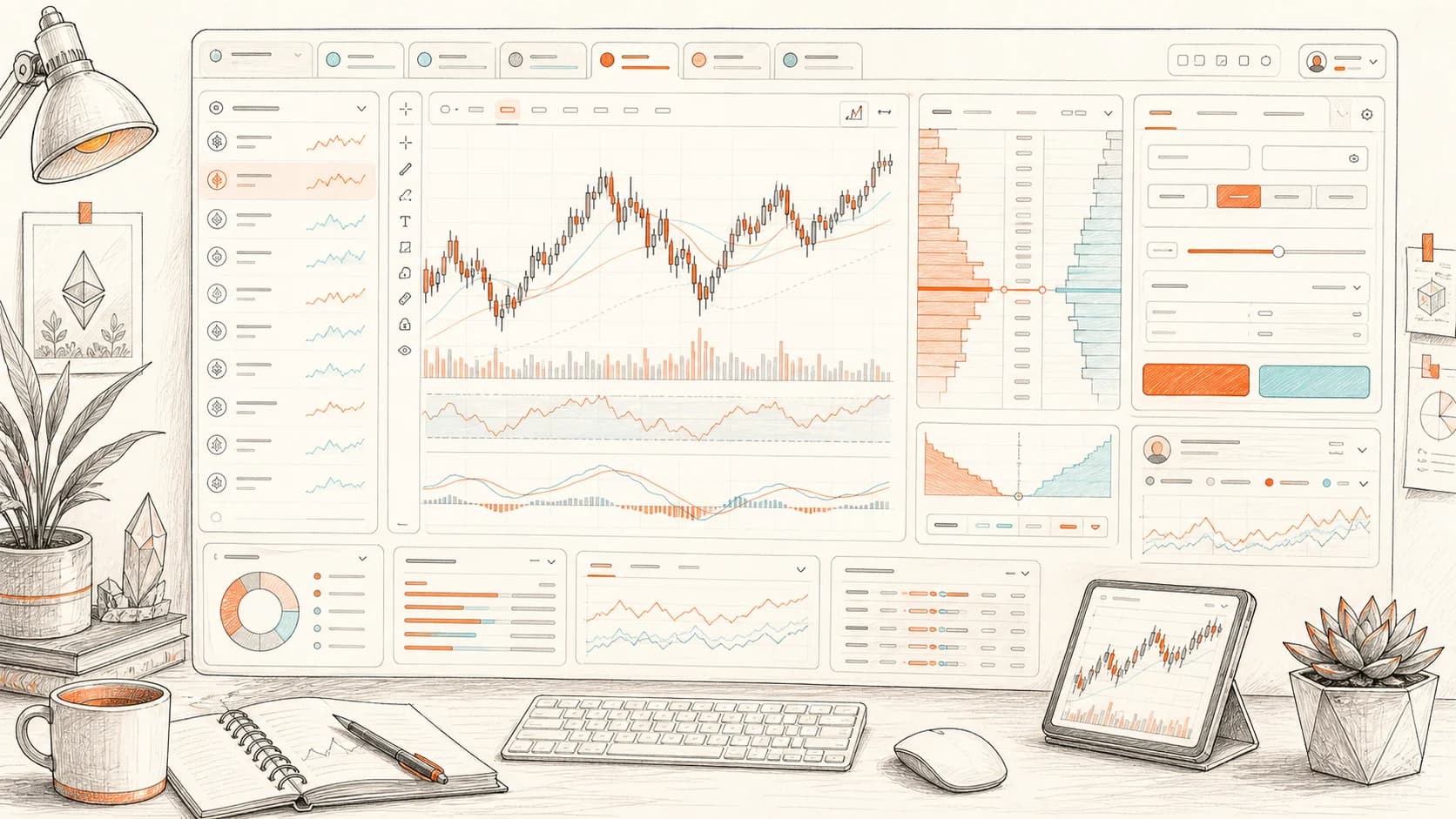
One professional terminal for multiple crypto exchanges. Bring market insights, chart analysis, order execution, and Blueprint strategies into one connected workflow.

Windows / macOS / Linux

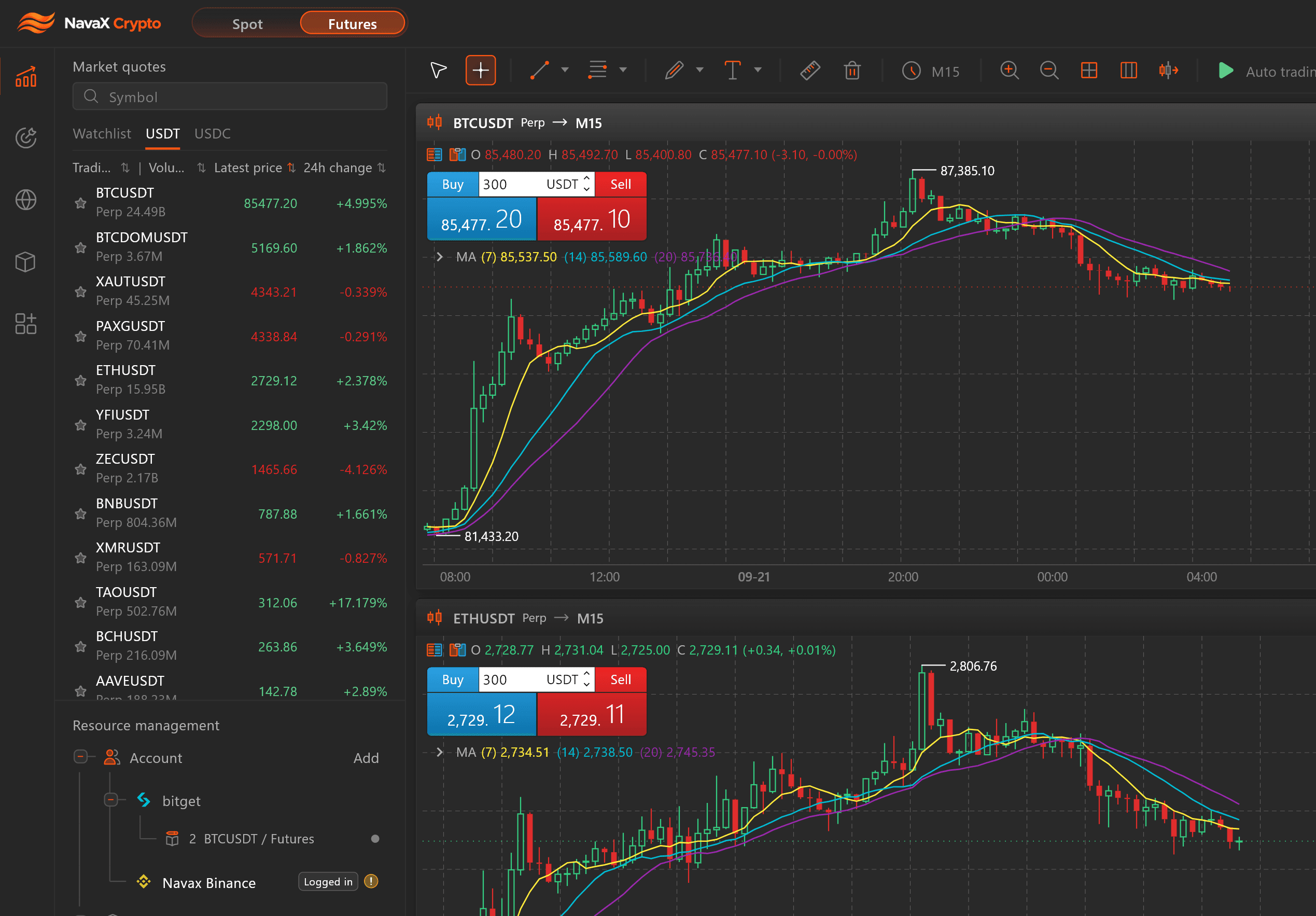
NavaX Crypto — market quotes, BTCUSDT and ETHUSDT charts

Connect markets

Multiple exchanges, one workspace

Analyze and execute

From chart analysis to order management

Automate strategies

Build your trading logic with Blueprint

CONNECTED MARKETS

Different markets. One connected workflow.

Bring your exchanges into one terminal. Move from market discovery to chart analysis and order execution without losing your context.

  • Binance

    Spot and futures markets

  • Bybit

    Spot and futures markets

  • OKX

    Spot and futures markets

  • Bitget

    Spot and futures markets

  • HTX

    Spot and futures markets

Multiple exchangesUnified chart analysisCentralized execution

Market insights

Understand the market, not just the price.

Market Insights combines price action, order flow, liquidity, volume structure, open interest, and funding data to help you quickly assess market conditions and identify high-quality trading opportunities.

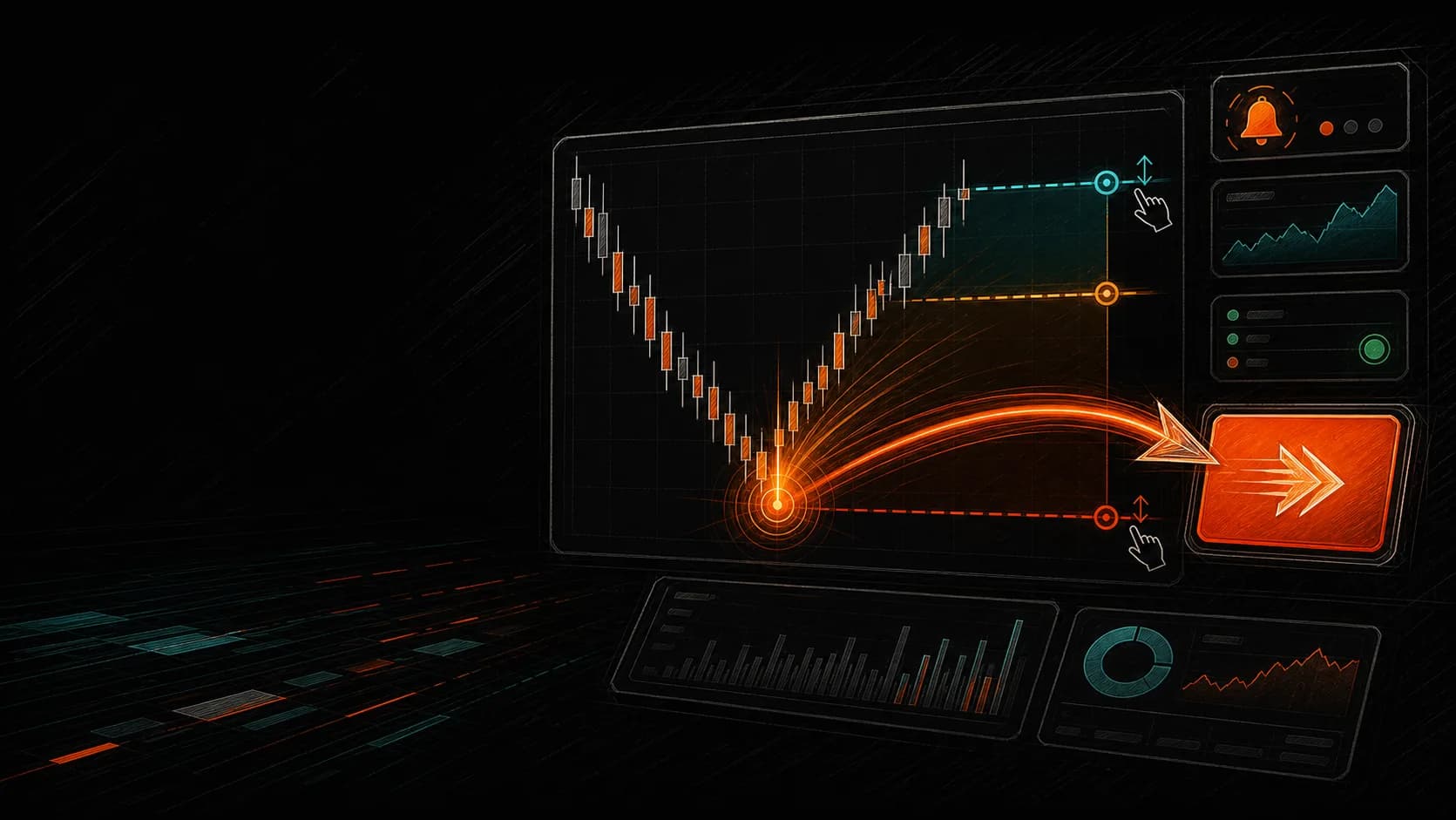
Adjust orders on the chart

Drag position, limit-order, take-profit, and stop-loss lines directly on the chart instead of reopening forms for every adjustment.

Multi-window, multi-screen

Open separate chart and depth windows for different trading pairs, then distribute those pairs across multiple monitors without losing their individual context.

One market, multiple timeframes

Open 1m, 15m, 1h, and other intervals for the same pair at once, with shared position, order, and TP/SL lines.

Efficient execution speed

NavaX prioritizes reusable authenticated trading channels to reduce repeated connection setup and request preparation, moving order and close-position instructions into the exchange processing path faster.

Order request latency

Typical exchange website

Browser session · request setup · exchange ACK

Exchange app

Native app session · order request · exchange ACK

NavaX desktop

Preconnected Trade WebSocket · exchange ACK

Close-position request latency

Typical exchange website

Browser session · close request · exchange ACK

Exchange app

Native app session · close-position request · exchange ACK

NavaX desktop

Reused private channel · exchange ACK

The bars illustrate network-path composition, not a measured speed ratio. Actual latency varies by device, region, connection, exchange API, and whether the exchange supports a trading WebSocket; NavaX falls back to REST when required.

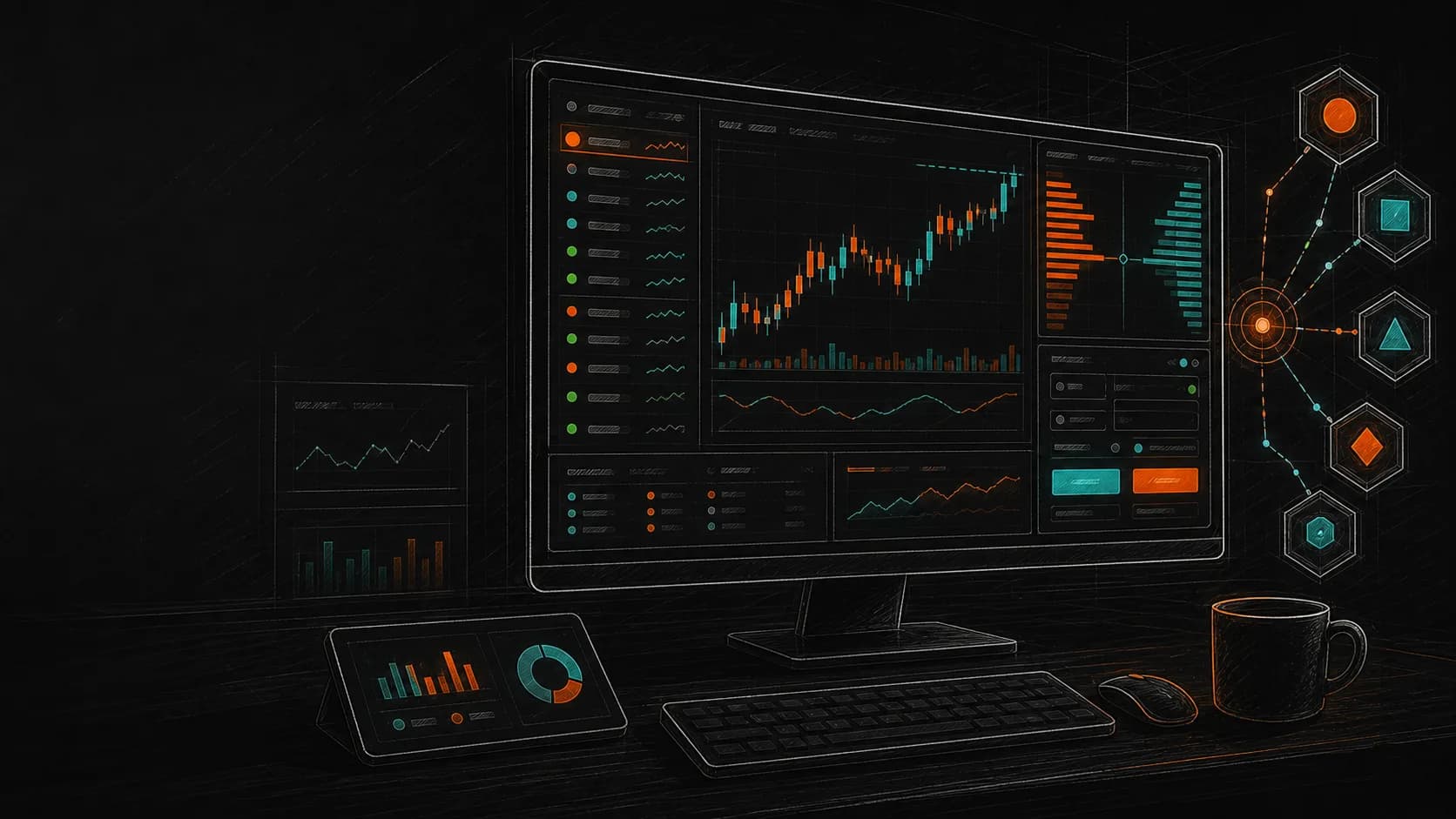
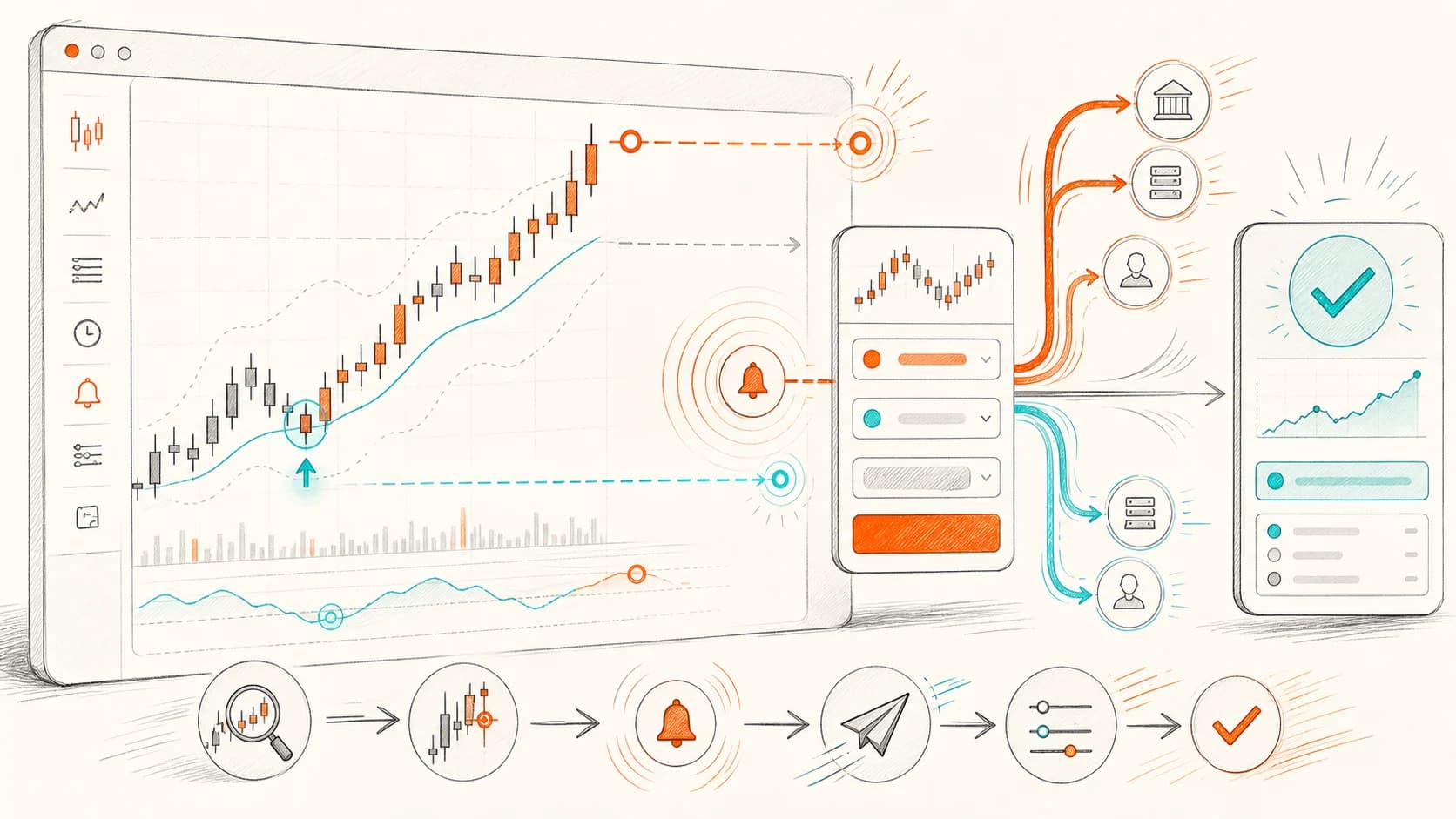
Blueprint strategies that assemble like building blocks

Connect market reads, indicator logic, risk conditions, order actions, and chart annotations into a runnable trading flow.

Node-based assembly
Branching and state logic
Visual strategy flow
FAQ

Frequently asked questions

A concise view of desktop capability, exchange coverage, blueprint validation, performance, and account security.

Is NavaX a web tool or a desktop client?

Yes, NavaX is a high-performance desktop client, not a Web framework.

Which exchange routes are already represented?

The desktop codebase has separated service folders for Binance, Bybit, OKX, Bitget, and HTX, making market data, account, and order adapters easier to maintain independently.

How are blueprint strategies validated before live use?

blueprint_core includes compile, runtime, debug, and file codec layers, with backtest, paper, and live modes sharing a unified runtime entry.

What templates and indicators are included?

assets/bluePrints includes breakout, grid, martingale, range, and trend templates. Indicator modules include EMA, ATR, ADX, VWAP, MACD, RSI, SuperTrend, and more.

Where does the performance focus come from?

The multi-window desktop client combines dense market panels, local data, isolated exchange services, and windowed UI flows for fast scanning, replay, and execution.

How does NavaX handle account security?

Site account flows use email verification for registration, password reset, and password changes. When connecting exchanges, use API keys with limited trading permissions and keep withdrawal permissions disabled.

Download NavaX desktop illustration

Free Download

Download NavaX desktop

Choose your system and enter the NavaX desktop trading workbench after installation.

NavaX Crypto | Multi-exchange digital asset terminal | NavaX