

Take profit
Take-profit rules
Exit according to take-profit conditions when a strategy target is reached.
 NavaX FXCLOUD AI
Connect to cloud AI that analyzes and models gold price movements. NavaX FX brings cloud-issued opening and closing instructions to your MT4 / MT5 terminal, with take-profit and stop-loss rules built into the trading workflow.
Windows desktop · MT4 / MT5
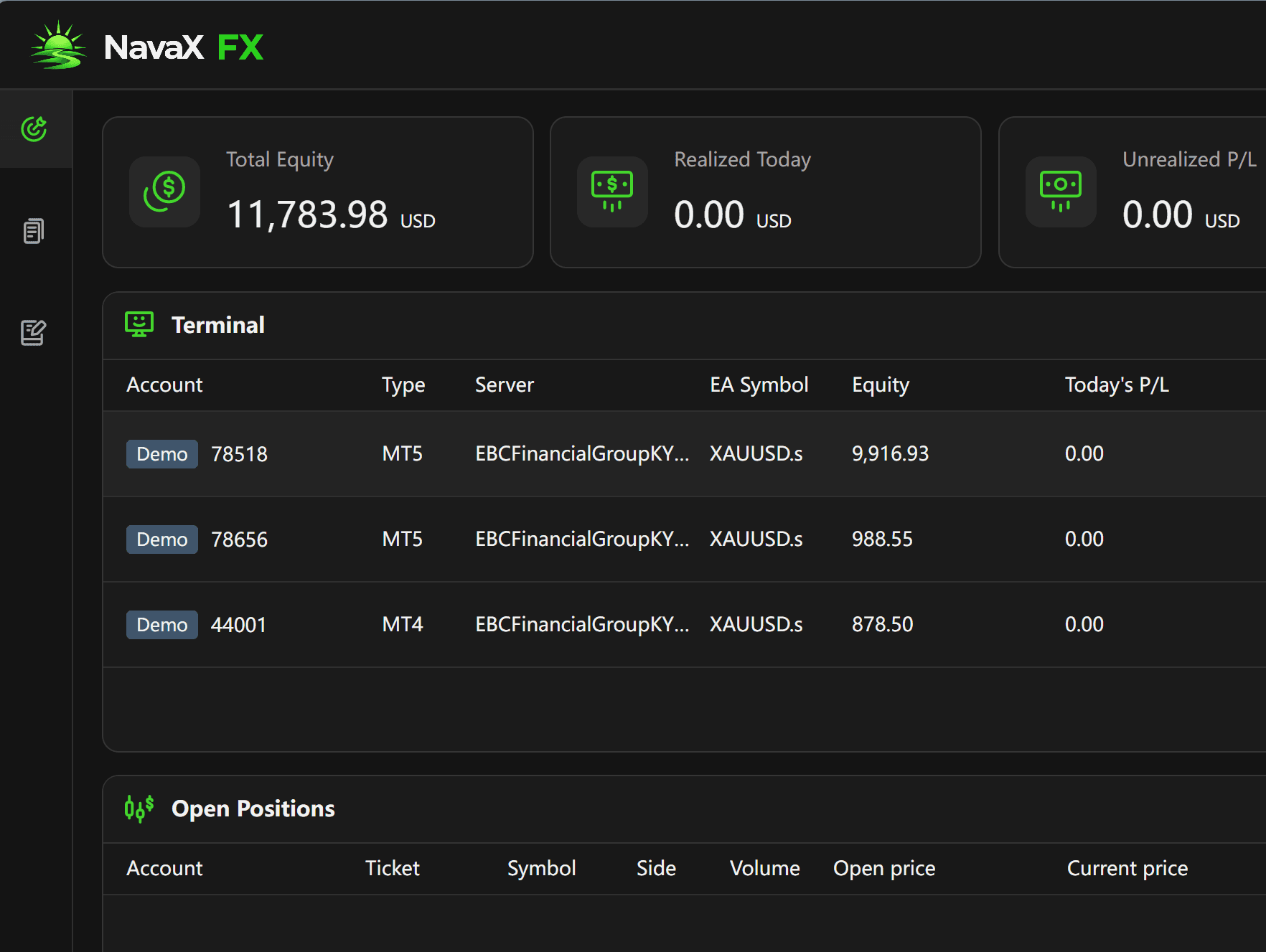
Gold market input, cloud intelligence, trading instructions, and your terminal each play a defined role. Explore how NavaX FX connects them, with risk rules alongside execution.
XAUUSD / Risk discipline
A trading opportunity is only part of the decision. Take-profit and stop-loss rules give each strategy a defined exit framework, helping reduce emotional decisions and keep risk management part of execution—not an afterthought.
AI analysis does not guarantee accurate forecasts or profitable trades. Stop-loss execution can be affected by slippage, price gaps, and connectivity.
Exit according to take-profit conditions when a strategy target is reached.
Exit according to stop-loss conditions when a risk threshold is reached.
Run a demo account for free. Explore cloud analysis, instruction delivery, and terminal execution with simulated funds, and observe how strategy and risk rules work before considering a live account.
Download the Windows client and sign in to your NavaX account.
Add your MT4 or MT5 terminal and connect a broker demo account.
Complete the connection and strategy setup, then observe cloud instructions, terminal execution, and trading records.
 NavaX FX / Windows
Download NavaX FX for Windows. Start with a free demo account and explore the connection from AI analysis to disciplined execution.
Run demo accounts for free