
Read the gold market
Gold market information provides the input for the cloud strategy's analysis.

GOLD MARKETS. CLEARER EXECUTION.
Cloud-powered gold strategies. Your MT4 / MT5 terminal. NavaX FX connects analysis to execution, with defined exits and a workspace that keeps you in control.
Windows client · MT4 & MT5 EA·Start with a free demo account
Trading involves risk. Automation does not guarantee a profit.
THE NAVAX FX ADVANTAGE
A complete connection between gold strategy analysis, terminal execution and account visibility. Explore what each part does for your workflow.
ANALYZE / NAVAX FX
Cloud computing and AI analyze gold market inputs and support strategy decisions. Your EA connects those decisions to your terminal.
CONNECTED BY DESIGN
Gold market input, cloud intelligence, trading instructions, and your terminal each play a defined role. Explore how NavaX FX connects them, with risk rules alongside execution.
Gold market information provides the input for the cloud strategy's analysis.
Cloud computing and AI analyze the market and model possible price directions to support strategy decisions.
The cloud issues opening and closing instructions according to the strategy, connecting analysis to trading actions.
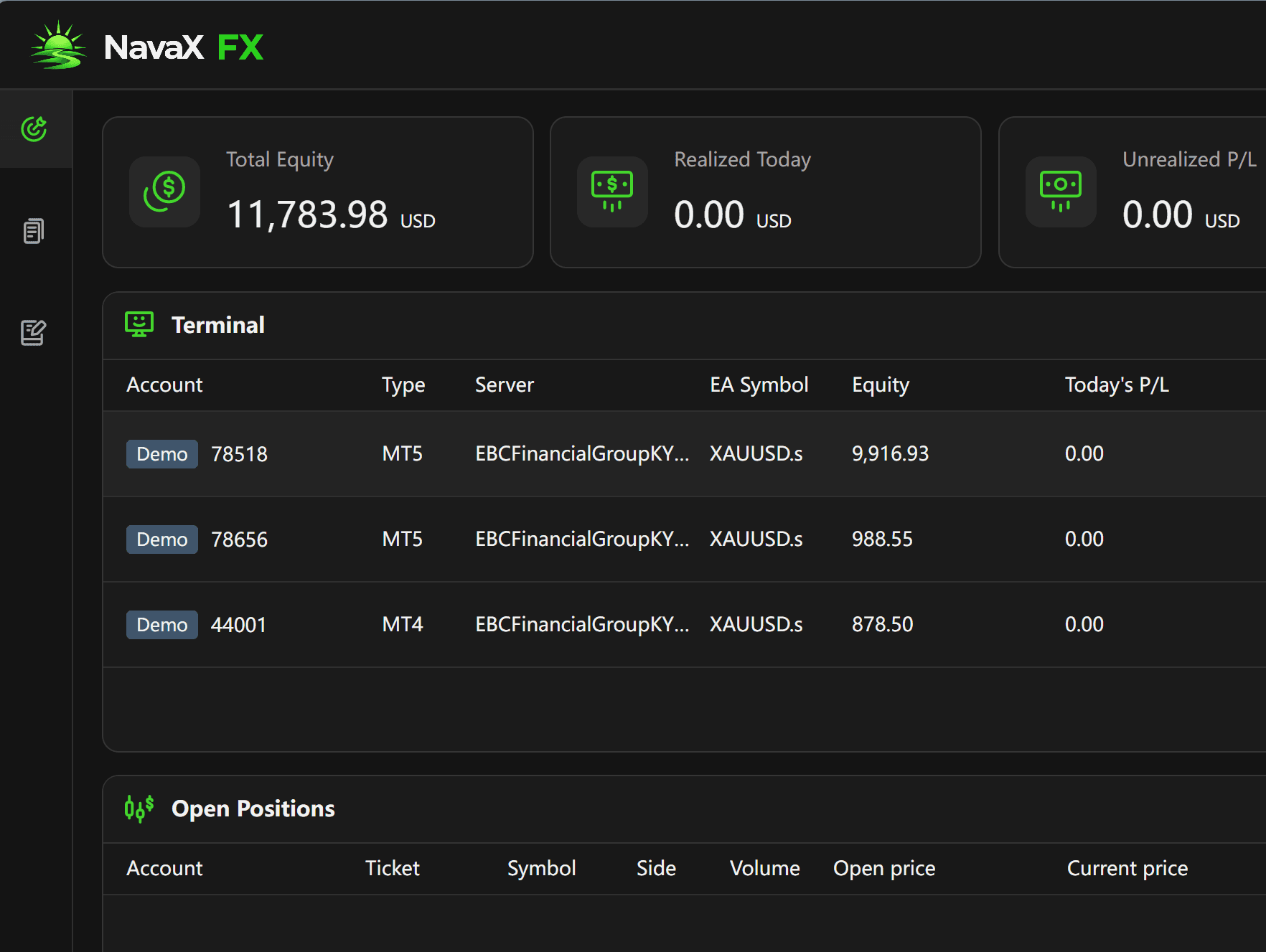
MT4 / MT5 receives and executes instructions, with take-profit and stop-loss rules in the workflow and account status visible in NavaX FX.
Risk discipline at every stepAI → EA
XAUUSD / Risk discipline
A trading opportunity is only part of the decision. Take-profit and stop-loss rules give each strategy a defined exit framework, helping reduce emotional decisions and keep risk management part of execution—not an afterthought.
AI analysis does not guarantee accurate forecasts or profitable trades. Stop-loss execution can be affected by slippage, price gaps, and connectivity.
Exit according to take-profit conditions when a strategy target is reached.
Rule-based exit
Exit according to stop-loss conditions when a risk threshold is reached.
Rule-based exit
Defined exit conditions. Disciplined execution.
PERFORMANCE / EVIDENCE
See XAUUSD strategy performance at a glance, then explore the trends and individual trades behind the numbers.
Performance report not yet publishedNo public performance report is available here yet. Once a sourced report is published, its metrics, reporting period and calculation methodology will be available together.
| Time | Symbol | Side | Entry | Exit | Volume | P/L |
|---|
No public trade records yet
Open the external page and compare its account, reporting period and verification status with the figures shown here.
View external account pageNAVAX FX · QUICK START
Choose one option and follow its setup steps below to start using NavaX FX trading services.
Selected · Desktop clientInstall only your selected option
Download the Windows installer, complete installation and open NavaX FX.
Sign in with your NavaX account to use your existing subscription permissions.
Follow the client instructions to add your MT4 / MT5 terminal and trading account, then check the connection status.
NavaX FX Quick StartYes. Choose the EA for your MetaTrader version, or use the NavaX FX Windows desktop client to manage your terminal connection. Follow the installation and authorization guide for the chosen option.
Check the strategy version, account type, date range, fees, drawdown and original source together. Workflow animations and software screenshots are not performance reports. Unpublished results are shown as unavailable, never as zero or estimated returns.
Yes. NavaX FX supports free demo-account use. Connect a supported MT4 / MT5 demo account and follow the quick-start guide to explore the workflow before considering live trading.
The current EA connects to server-side strategies. Do not assume that cloud strategy logic can be replayed in the native Strategy Tester as an offline EA. Check product documentation for any separately released backtesting capability.
No. Execution depends on market conditions, broker rules and connectivity. Gaps and slippage can produce a different exit price, and a loss may exceed the intended risk amount.